
Ep. 19 – Do You Actually Know How to Use ChatGPT?
|
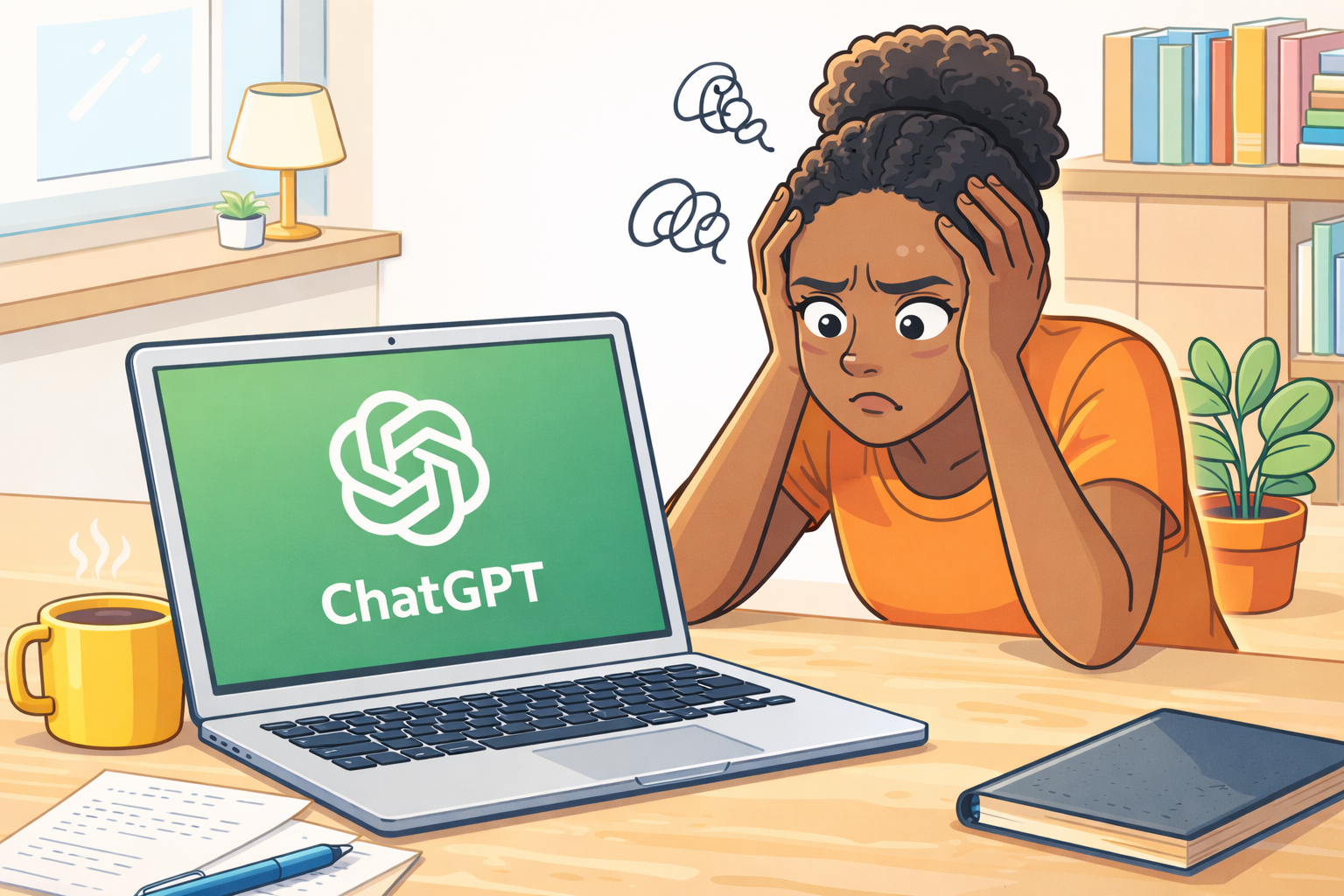
In this episode I break down what people often misunderstand about ChatGPT and what it can actually do. I walk through the hard technical limits, the most common errors users make, and then share simple ways to become more fluent so you can get the most out of the model. This episode also covers recent updates from OpenAI, along with why sometimes the best use case for ChatGPT is…not using it at all. The InspoThis episode is not at all intended to be a stab or a dig at you. My guess is that you do know what you’re doing, BUT I’ve heard some things from some people that also has me like…wait a minute, WAIT A MINUTE, ChatGPT absolutely CANNOT do that…but it’ll still give you an answer, and the answer will be shit, and you might think that ChatGPT is shit. So I decided to make an episode about it. The other impetus for this episode was an article I read (I be reading lots of things – don’t forget about Curious Finds on my website) that spoke about this idea that creativity follows fluency, and I do very much agree. You can’t solo on the sax until you know how to play it. (I played sax from age 8-18, so that’s today’s analogy.) So I want to use this episode to help out with that ChatGPT fluency. A Quick Rundown of Recent UpdatesOpenAI has significantly slowed down the speed and magnitude of their rollouts, but they have released a few things over the past few weeks, so I want to do a quick rundown of those just to keep you in the know and then we’ll chat about ChatGPT fluency. The updates:
Do You Actually Know How to Use ChatGPT?Alrighty so, do you actually know how to use ChatGPT or are you asking it to do shit that it cannot do? Here’s a list of hard technical limits, aka things that ChatGPT CANNOT do, that I think you might actually care about:
Remember, ChatGPT will absolutely make shit up; very rarely, almost never will it say “I can’t do that.” It will just hallucinate an answer. The 6 Biggest Errors I See People Making1. Asking ChatGPT to go to a website or URL and look at somethingChatGPT literally cannot do that and it will 100% make something up. The only way you can get around this would be to use Atlas, OpenAI’s browser, and then use that ChatGPT feature in the upper right corner. A much easier solution is to just copy the text from the page and paste that into ChatGPT. 2. Using ChatGPT for pictures/graphicsChatGPT just really is not designed for this. You can use it to get an idea about something but if you’re really looking for quality then I’d use ChatGPT to find out what AI resources are out there that actually specialize in that. Midjourney is definitely going to be one you want to check out. 3. Poor prompts — not enough information or contextI’ve been saying since episode one (and my entire movement career) the better the input the better the output. General questions will get general answers. Example: Is this paragraph good? Solution: Ask ChatGPT to help you achieve your goal. Example: I’m introducing a new product to my audience that I’d like for them to check out and maybe buy. Do you think this paragraph will accomplish that? What could I change and why? The other thing to note here is reverse prompting. Show ChatGPT the ideal final version and then work backwards if you’re looking to create a prompt or instructions you’re going to use over and over. Alternatively, if you’re not trying to create a reusable prompt, just use that ideal final version as part of your prompt so that ChatGPT knows what you’re wanting. 4. Fighting with ChatGPTWe’ve all done it. I just want you do to it less. ChatGPT is a probabilistic model, so each iteration you ask for will not be the exact same as the previous, and sometimes the changes make you want to pull your hair out. Your best bet, in general, when things start going off the rails, is to start over and start a new chat. New chats are also your best bet once the thread gets super long. It has been my experience that ChatGPT starts to kind of glitch, or freeze when I’m working with significant amounts of text within the same chat, and starting a new chat always fixes this. ChatGPT has memory, and especially if you’re on the paid version, you’ll be fine starting a new chat. (Don’t forget about the value of Projects.) 5. Thinking it’s smartIt is not alive. Action item here: Check its work! Don’t take everything at face value, and don’t think that this computer program is god. When in doubt, ask ChatGPT to show its work. A helpful prompt for this: 6. Using the free tier and expecting ChatGPT to actually remember things across your sessionsOn the OpenAI pricing page it says the ChatGPT free tier has “limited memory”, and honestly I haven’t tried it personally (been paid pretty much since day 1), but based on what I’ve heard from others…it is le trash. Whiiiiich makes me think the other features on the free tier might be equally shitty and subsequently the responses it generates might just objectively be worse than on the paid tier. No, I’m not telling you to give OpenAI your hard earned dollar. I don’t work for them, they ain’t paying me for this. But:
How I Used ChatGPT This WeekEach episode I include a section where I briefly discuss how I used ChatGPT that week. Today I want to chat about how I used ChatGPT when I was in Hawaii 2 weeks ago…and that was, pretty much not at all! Like I’ve said before, my goal isn’t to get everyone using it; I honestly don’t care if people use it or not. When I’m working, when I’m trying to fix stuff around the house, when I need to MacGyver a meal at home, there are use cases. But I don’t view ChatGPT as some infinite-use, universally applicable, thing. Lex and I were in Oahu for my best friend’s wedding, and the only times that ChatGPT really came up was when I was planning the trip, and then twice when were there.
I wasn’t working in Hawaii so I didn’t use it nearly as much as I do when I’m home. The tech is super cool, but, like I say on my website: “I also believe that AI has tremendous potential to help us live more fully human lives. I was already with Lex, celebrating my best friend’s wedding, experiencing tons of fun and meaningful moments…so, no AI needed. Da Wrap-upAlrighty, that’s it for today’s episode. Hopefully you learned a few things that will improve your ChatGPT fluency, and decrease the likelihood of you getting shit answers and thinking that ChatGPT is a POS. As always, endlessly grateful for you and your curiosity. Catch you next Thursday. Maestro out. AI Disclaimer: In the spirit of transparency (if only we could get that from these tech companies), this email was generated with a very solid alley-oop from ChatGPT. I write super detailed outlines for every podcast episode (proof here), and then use ChatGPT to turn those into succinct, readable recaps that I lightly edit to produce these Curious Companions. Could I “write” it all by hand? Sure. Do I want to? Absolutely not. So instead, I let the robot do the work, so I can focus on the stuff that I actually enjoy doing and you get the content delivered to your digital doorstep, no AirPods required. High fives all around. Did someone forward you this email? |